How to Optimise Professional Printer Maintenance
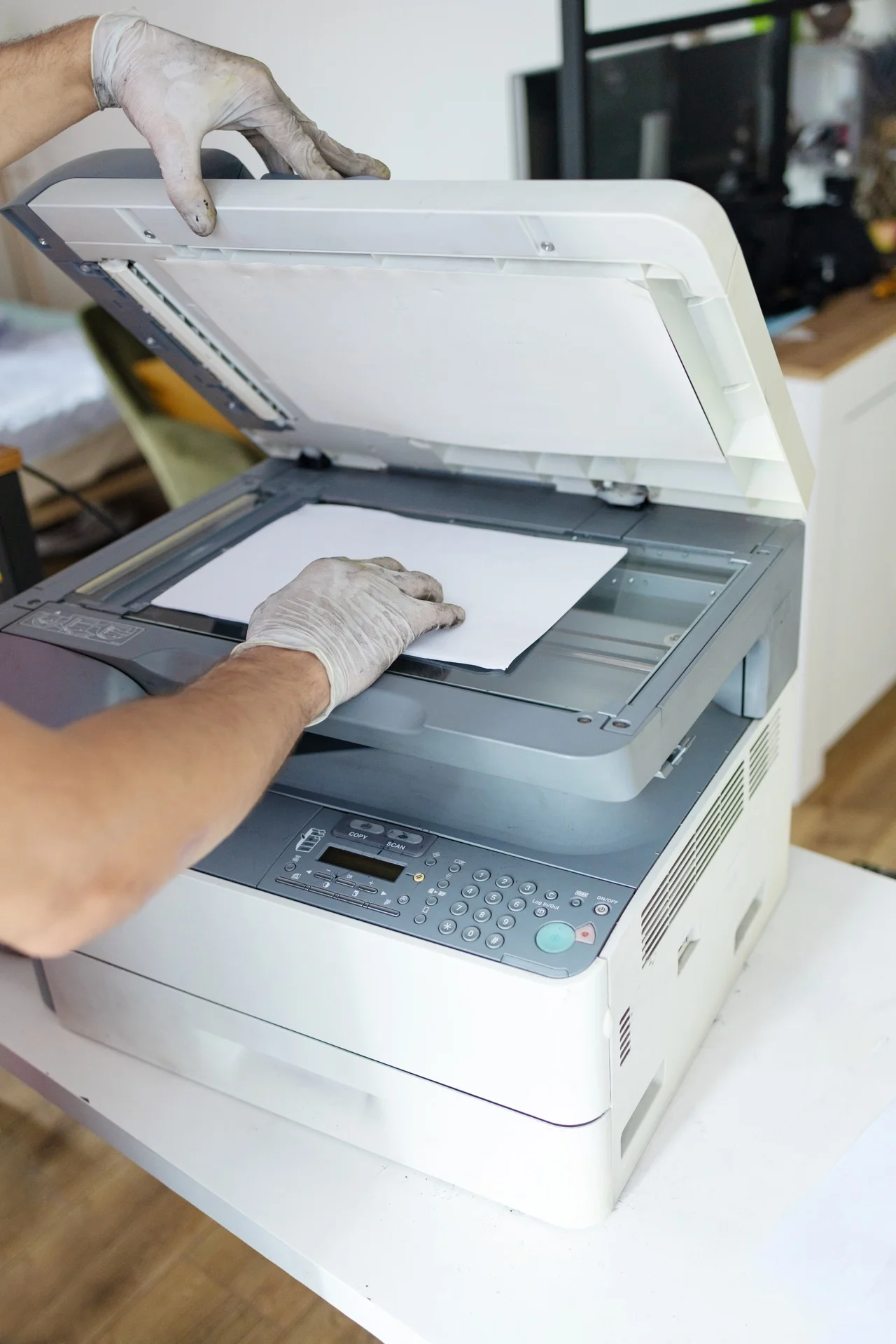
Maintenance is crucial to guarantee optimal performance and extend the lifespan of your professional printers. A well-maintained copier can last 7 to 10 years, compared to 4 to 5 years for a neglected machine. Here’s how to optimise this essential aspect.
The two pillars of maintenance
Preventive maintenance
Objective: Prevent breakdowns before they occur.
Preventive maintenance includes:
- Regular cleaning of internal components
- Replacement of wearing parts before failure
- Calibration and adjustments
- Firmware updates
- General equipment inspection
Frequency: Generally every 50,000 to 100,000 pages, or every 6 to 12 months.
Curative maintenance
Objective: Repair when something breaks down.
Curative maintenance includes:
- Problem diagnosis
- Component replacement
- Repair
- Testing and validation
When? Following an incident, error or degraded print quality.
The 10 rules for optimised maintenance
1. Use quality consumables
Toners: Use original or certified compatible toners. Poor quality toners can damage the drum and fuser.
Paper: Use paper adapted to your machine. Too thick or too humid paper causes jams and premature wear.
2. Respect recommended volumes
Each copier has a recommended monthly volume. Regularly exceeding this volume accelerates wear.
Example: A machine designed for 10,000 pages/month used at 20,000 pages/month will require 2x more maintenance.
3. Clean regularly
Glass (scanner): Clean weekly with a soft, dry cloth. Dust causes marks on scans.
Paper path: Monthly vacuum of trays and internal paths.
Exterior: Regular wiping to prevent dust infiltration.
4. Manage environment
Temperature: 15-30°C ideal. Avoid temperature variations.
Humidity: 30-70% relative humidity. Too dry = static; too humid = jams.
Dust: Keep the room clean. Dust is the enemy of copiers.
5. Don’t ignore alerts
Modern machines display alerts:
- Low toner: order before empty
- Maintenance required: don’t postpone
- Error code: consult the manual or call
Ignoring alerts leads to more serious problems.
6. Update firmware
Firmware updates bring:
- Bug fixes
- Security improvements
- New features
- Performance optimisation
Schedule updates outside office hours to avoid disruption.
7. Train users
A large part of breakdowns come from misuse:
- Paper badly loaded
- Forced jams
- Wrong paper type
- Unsuitable settings
Invest in user training.
8. Monitor the counters
Regularly track:
- Total number of pages (for planning maintenance)
- Colour/B&W breakdown (for consumable estimation)
- Number of jams (increase = problem to investigate)
- Drum and fuser usage (to anticipate replacement)
9. Plan maintenance outside peak periods
Schedule preventive interventions:
- Outside business hours if possible
- Avoiding known peak periods
- Announcing interventions in advance
10. Choose a good service provider
Your maintenance provider makes the difference:
- Trained, certified technicians
- Guaranteed intervention times
- Quality original spare parts
- Proactive follow-up
Maintenance schedule
Weekly
- Clean scanner glass
- Check paper tray levels
- Visually check print quality
Monthly
- Vacuum paper trays
- Clean exterior
- Check consumable levels
- Note main counter
Quarterly
- Run deep cleaning cycle
- Check for firmware updates
- Analyse jam statistics
- Clean ventilation slots
Annually
- Complete preventive maintenance (by technician)
- Comprehensive equipment check
- Calibration
- Replace wearing parts
- Functional review
Common problems and prevention
Paper jams
Causes:
- Poor quality or humid paper
- Worn rollers
- Overloaded trays
- Paper guides misaligned
Prevention:
- Store paper in a dry place
- Don’t overfill trays
- Replace rollers according to recommendations
- Use adapted paper
Degraded print quality
Causes:
- Worn drum
- Low quality toner
- Dirty fuser
- Misalignment
Prevention:
- Respect drum lifespan
- Use original consumables
- Regular calibration
Error codes
Causes:
- Component failure
- Firmware bugs
- Sensor problems
Response:
- Note the exact code
- Consult manual
- Restart machine
- Call support if persistent
Calculate the real cost of maintenance
Total Cost of Ownership (TCO)
Don’t just look at the intervention price. Consider:
TCO = Consumables + Maintenance + Downtime + Energy
Maintenance-free downtime cost
Calculate the indirect impact of a breakdown:
Downtime cost = (Employees affected × Average salary/hour × Hours of breakdown) + Direct losses
Example: Breakdown of 4h affecting 10 employees at €25/h = €1,000 of lost productivity, plus lost sales, delays, etc.
This justifies investment in quality maintenance.
Leasing vs in-house maintenance
Advantages of all-inclusive leasing
With rental or leasing, maintenance is generally included:
- Predictable fixed price
- No consumable management
- Rapid guaranteed interventions
- No hidden costs
In-house maintenance (purchase)
If you own your machine:
- Negotiate a maintenance contract
- Require clear SLAs
- Compare several service providers
- Calculate the real cost (contract + beyond-package + downtime)
Technology for intelligent maintenance
Predictive monitoring
Modern copiers can:
- Detect emerging problems
- Send automatic alerts
- Allow remote diagnostics
- Anticipate consumable needs
Fleet management
Centralised software allows:
- Global view of all equipment
- Alert consolidation
- Maintenance planning
- Trend analysis
In summary
Optimised maintenance rests on:
- Prevention: don’t wait for breakdown
- Quality: original consumables and service provider
- Regularity: follow a precise schedule
- Reactivity: don’t ignore alerts
- Tracking: monitor counters and incidents
A well-maintained copier is an investment that pays off in longevity, reliability and cost reduction.
Need a professional copier with included maintenance?
Get free personalised quotes from qualified suppliers in Belgium. Response within 24h, no obligation.