Which Professional Scanner for Archiving?
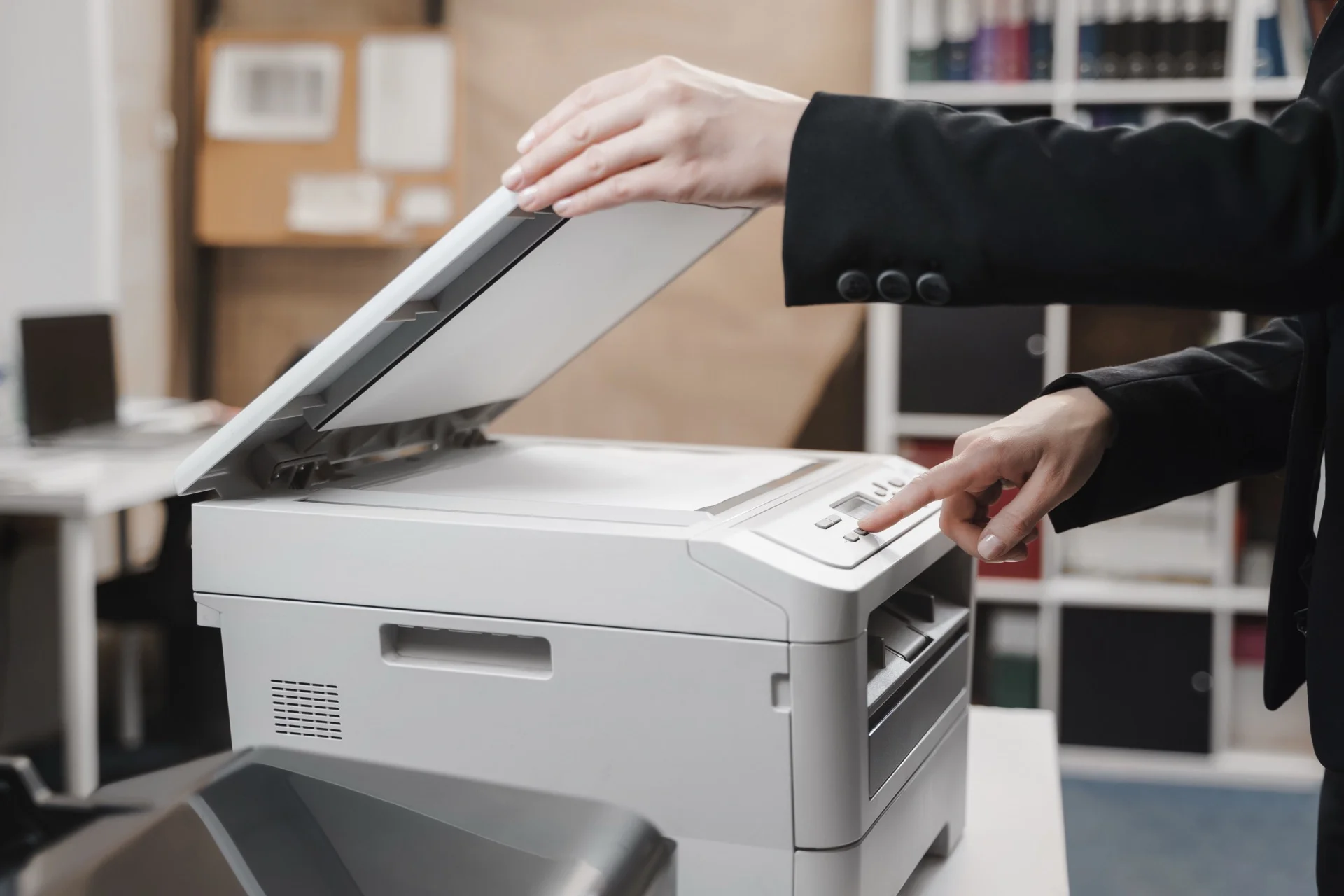
The professional scanner is a scanning device used by businesses and organisations to convert paper documents into digital files. It offers an efficient solution for archiving, searching and sharing documents. Professional scanners are designed to process large volumes of documents with high image quality and high speed.
These devices present various advanced features, such as automatic document feeding, duplex scanning, optical character recognition (OCR) and file compression. They can process different types of documents, including contracts, invoices, reports and forms. Choosing a professional scanner depends on several factors, including scanning speed, resolution, daily processing capacity and connectivity options.
Major manufacturers of professional scanners include Fujitsu, Kodak, Canon and Epson. Digital archiving presents numerous advantages, such as reducing physical storage space, improving document accessibility and securing sensitive information. To maintain optimal performance of a professional scanner, it is important to follow manufacturer recommendations for regular maintenance and upkeep.
Summary
-
The professional scanner is an essential tool for archiving important documents.
-
When choosing a professional scanner, it is important to consider criteria such as scanning speed, resolution and connectivity.
-
Essential features of a professional scanner for archiving include duplex scanning, colour detection and document management.
-
There are different types of professional scanners on the market, such as flatbed scanners, sheet-fed scanners and document scanners.
-
Digital archiving with a professional scanner offers advantages such as space saving, easy access to documents and preservation of important documents.
-
Among the best brands of professional scanners for archiving are Fujitsu, Canon and Epson.
-
To ensure maintenance and upkeep of a professional scanner, it is recommended to regularly clean scanning elements and follow manufacturer instructions.
Criteria to Consider When Choosing a Professional Scanner
When it comes to choosing a professional scanner for archiving, it is important to consider several criteria to ensure that the device will meet the company’s specific needs. Firstly, scanning speed is a crucial factor, especially if the company has a large quantity of documents to process regularly. A fast professional scanner saves time and increases productivity.
Secondly, optical resolution is also an important element to consider. Higher resolution guarantees better image quality and faithful reproduction of original documents. Moreover, the automatic document feeder (ADF) capacity is a criterion not to be overlooked.
An ADF with large capacity allows scanning a large number of pages without having to manually load them one by one. Finally, scanner connectivity is an aspect to consider, including compatibility with operating systems and document management software used by the company.
Essential Features of a Professional Scanner for Archiving
A professional scanner for archiving must offer a set of advanced features to meet the specific needs of businesses in terms of document management. Firstly, integrated image correction technology is essential for improving scan quality by automatically correcting defects such as creases, shadows and stains. Secondly, optical character recognition (OCR) is a key feature that allows converting scanned documents into editable text, thus facilitating information search and indexing.
Moreover, PDF/A format support is important to guarantee the longevity of digital documents over time. Finally, the ability to scan documents of different formats such as ID cards, passports or business cards is an additional asset for a versatile professional scanner.
Different Types of Professional Scanners Available on the Market
There are several types of professional scanners available on the market, each having its own characteristics and advantages. Firstly, there are flatbed scanners which are ideal for scanning fragile documents such as photos or bound books. They offer excellent image quality but are less suitable for volume scanning.
Secondly, there are sheet-fed scanners which are designed to quickly scan a large quantity of documents in a single pass. They are particularly suited for businesses with significant scanning volume needs. Finally, there are network scanners which allow sharing the device between several users within the same network, thus offering a centralised solution for document management.
Advantages of Digital Archiving with a Professional Scanner
Digital archiving with a professional scanner presents numerous advantages for businesses. Firstly, it reduces physical clutter by eliminating the need to store piles of paper documents. Secondly, it facilitates information search and access through advanced search tools that allow quickly finding specific documents.
Moreover, it offers better security by protecting documents against risks of loss, theft or deterioration. Finally, it allows achieving savings by reducing costs related to storing and managing paper documents.
Best Brands of Professional Scanners for Archiving
There are several reputable brands on the professional scanner market for archiving, offering a varied range of devices suited to the specific needs of businesses. Among the most popular brands are Fujitsu, Canon, Epson, Brother and HP. These manufacturers offer a wide selection of professional scanners with high performance, proven reliability and advanced features to meet the requirements of professional environments.
Whether for volume scanning, advanced document management or network connectivity, these brands offer complete solutions for digital archiving.
Tips for Maintenance and Upkeep of a Professional Scanner
To ensure proper functioning and durability of a professional scanner, it is essential to follow a few simple but effective maintenance and upkeep tips. Firstly, it is recommended to regularly clean the feed rollers and scanner plate to avoid dust and debris accumulation that could affect scan quality. Secondly, it is important to regularly update the scanner software to benefit from the latest improvements in terms of performance and compatibility.
Moreover, it is advisable to follow manufacturer recommendations regarding replacement of wear parts such as rollers and belts to maintain scanner reliability. Finally, it is recommended to store the scanner in a clean and dry environment, protected from dust and extreme variations in temperature and humidity.
In conclusion, a professional scanner is an indispensable tool for businesses seeking to optimise their document management by adopting digital archiving. By choosing a scanner suited to the company’s specific needs and ensuring its regular maintenance, it is possible to fully benefit from the advantages offered by this advanced technology. Thanks to its essential features such as scanning speed, high optical resolution and advanced connectivity, a professional scanner offers a complete solution for effectively managing paperwork whilst improving productivity and reducing costs related to storing and managing paper documents.
Need a Professional Photocopier?
Get free personalised quotes from qualified suppliers in Belgium. Response within 24 hours, no commitment.