How to Properly Manage Your Documents - Printer Guide
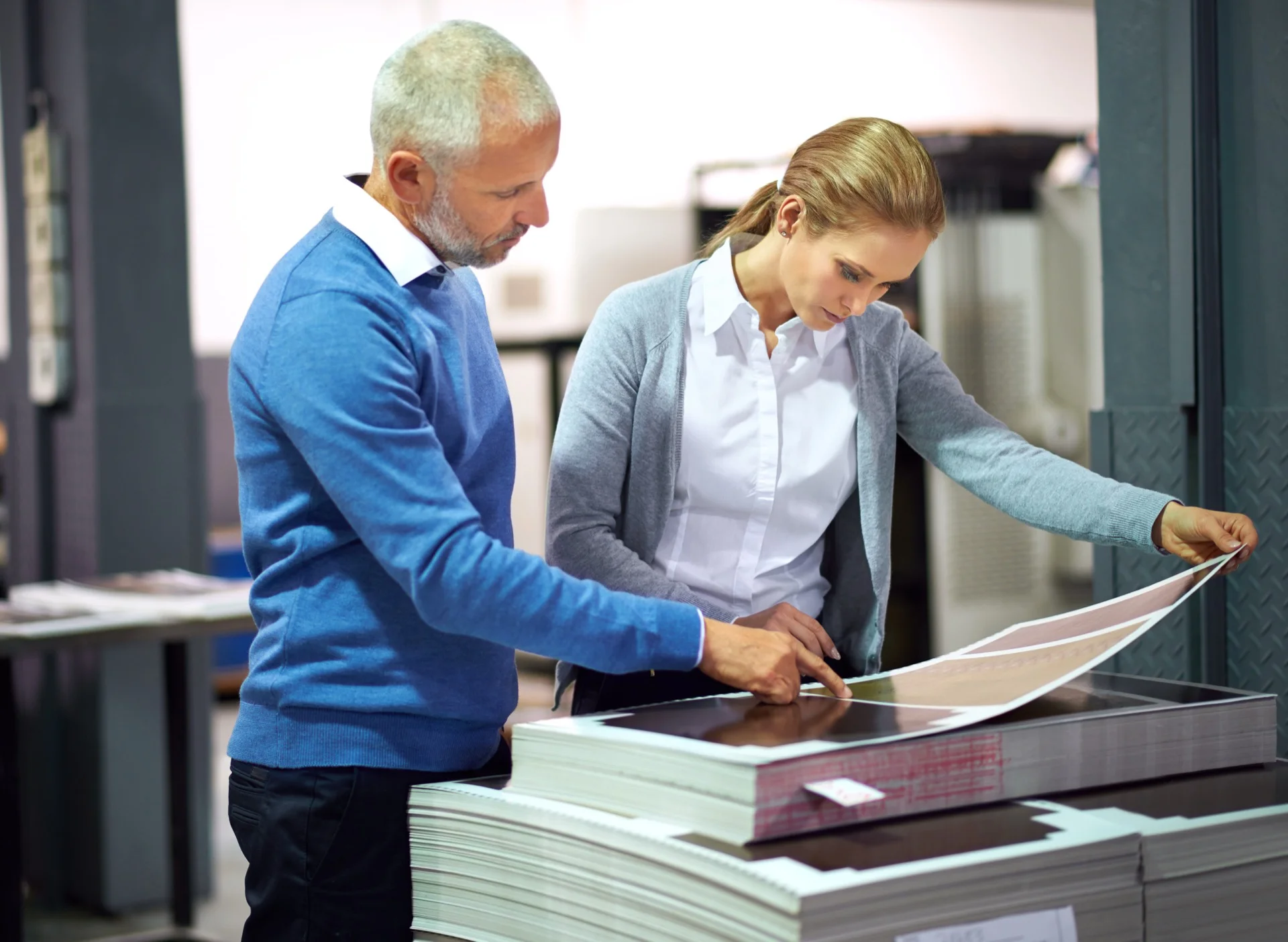
Choosing a printer suited to your specific needs is a crucial step that can influence not only the quality of your prints but also your daily efficiency. There are many models on the market, each offering varied characteristics. For example, if you’re a professional who regularly prints colour documents, a high-quality inkjet printer might be the best option.
These printers are often capable of producing vibrant images and detailed graphics, which is essential for presentations or visual reports. On the other hand, if your main use focuses on text document printing, a laser printer might prove more economical in the long run. Laser printers are generally faster and offer a lower cost per page, especially for black and white prints.
Additionally, it’s important to consider the print volume you anticipate. For light home use, a compact multifunction printer might suffice, while an office with high print volumes would require a more robust and high-performing model.
Summary
-
Choosing a printer suited to your needs is essential for efficient use.
-
Organising your documents before printing saves time and money.
-
Document management software facilitates file tracking and organisation.
-
Avoiding paper and ink waste is good for the environment and your budget.
-
Protecting the confidentiality of your printed documents is crucial to avoid sensitive information leaks.
Organising Your Documents Before Printing
Before launching a print job, it’s essential to organise your documents effectively. This starts with verifying the files you wish to print. Ensure each document is in the correct format and there are no superfluous pages that might accidentally be included in the print.
For example, if you’re printing a report, it may be wise to reread it to eliminate typos or unnecessary sections that could burden the final document. Once you’ve verified the content, it’s also useful to classify your documents by order of importance or by theme. This can facilitate the printing process and help you avoid errors.
By using digital folders to organise your files, you can quickly access necessary documents without wasting time searching through cluttered directories. Good organisation can also reduce printing-related stress, especially when you need to prepare multiple documents in a short time.
Using Document Management Software
Using document management software can transform how you manage your files before printing. These tools not only allow you to store and organise your documents but also improve collaboration between team members. For example, platforms like Google Drive or Dropbox offer sharing features that allow multiple users to access the same files simultaneously, thus facilitating collaborative work.
Additionally, some software offers advanced options such as scanning paper documents and converting them to editable digital files. This can be particularly useful if you work with old or handwritten documents that you wish to integrate into a digital format. By integrating these tools into your workflow, you can not only save time but also reduce the risk of errors during printing.
Avoiding Paper and Ink Waste
Paper and ink waste is a common problem in offices and homes, but there are several strategies to minimise this phenomenon. One of the most effective methods is to print double-sided whenever possible. Many modern printers offer this feature by default, which can significantly reduce paper consumption while maintaining print quality.
Furthermore, it’s wise to use print preview to check that everything is in order before launching the process. This helps avoid unnecessary prints due to errors such as poorly adjusted margins or blank pages. Additionally, adjusting print settings to use standard quality rather than high quality can also help save ink without compromising document readability.
Protecting the Confidentiality of Your Printed Documents
The confidentiality of printed documents is an often overlooked but crucial aspect of managing sensitive information. When printing documents containing personal or confidential data, it’s essential to take measures to guarantee their security. For example, use a printer that offers security features such as secure printing, where documents are only released after entering a PIN code.
Additionally, it’s important not to leave sensitive documents unattended in the printing area. Ensure all team members are aware of security protocols concerning confidential information. By implementing a clear policy on sensitive document management, you can reduce the risk of information leaks and protect the privacy of individuals concerned.
Cleaning and Regularly Maintaining Your Printer
Problems Related to Dust and Ink Residue
Dust and ink residue can accumulate inside the device, which can lead to problems such as paper jams or degraded print quality.
Regular Component Cleaning
It’s recommended to regularly clean print heads and feed rollers to avoid these inconveniences.
Preventive Maintenance and Reduced Costs
Furthermore, it’s wise to follow manufacturer recommendations regarding preventive maintenance. This can include regular cartridge replacement and using paper compatible with your printer model. Proper maintenance not only improves print quality but can also reduce costs related to repairs and premature replacements.
Scanning Your Documents for Better Management
Scanning documents is a practice gaining popularity thanks to its many advantages in document management. By converting your paper files to digital formats, you can not only save physical space but also facilitate information access and sharing. Modern scanners allow fast and efficient scanning, often with the possibility of sending files directly to a cloud or document management system.
Additionally, scanning allows better organisation through the use of tags and metadata. This means you can easily search for and retrieve specific documents without having to rummage through cluttered filing cabinets. By integrating this practice into your daily routine, you can considerably improve your efficiency and reduce stress related to physical document management.
Recycling and Responsibly Disposing of Unnecessary Printed Documents
Responsible management of printed documents also includes their appropriate disposal when they’re no longer needed. Paper recycling is an essential step to reduce the environmental impact related to printing. Many municipalities offer recycling programmes that allow citizens and businesses to properly dispose of used paper.
It’s also important to consider confidentiality when disposing of sensitive documents. Before recycling or throwing away files containing personal or confidential information, ensure they’re securely destroyed. This may involve using a shredder to reduce documents to small pieces to prevent any unauthorised recovery.
By adopting these responsible practices, you contribute not only to environmental protection but also to sensitive information security.
Need a Professional Photocopier?
Get free personalised quotes from qualified suppliers in Belgium. Response within 24 hours, no obligation.