Complete Printer Maintenance Guide for Business
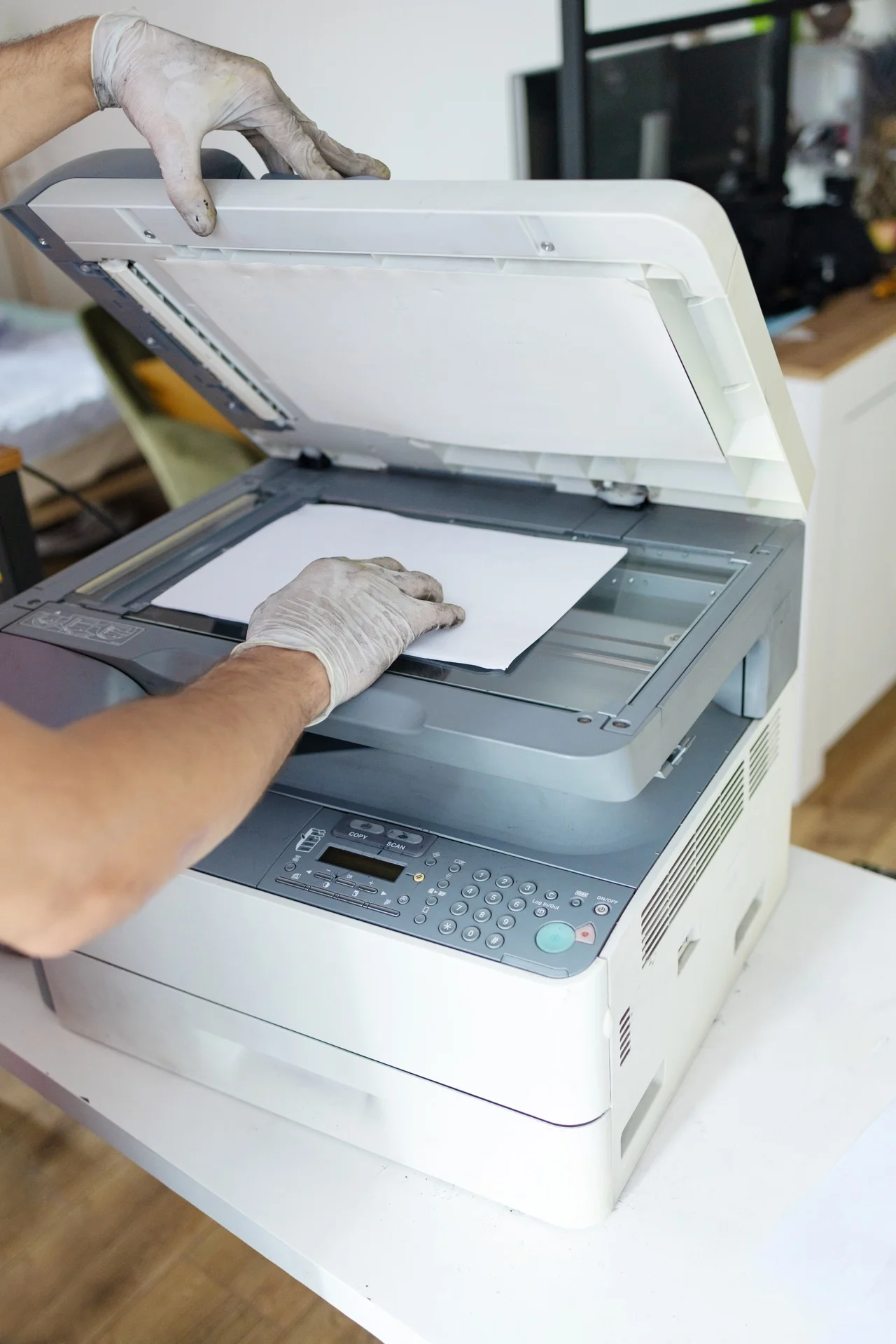
Maintaining your business printers and copiers properly ensures reliability and extends equipment life. This comprehensive guide covers everything from daily checks to professional servicing.
The importance of preventive maintenance
What preventive maintenance achieves
- 90% fewer unplanned breakdowns
- Extended equipment life (5-7 years vs 3-4 years)
- Consistent print quality
- Lower total cost of ownership
- Reduced downtime
Maintenance vs no maintenance
| Aspect | With maintenance | Without maintenance |
|---|---|---|
| Lifespan | 7+ years | 3-5 years |
| Breakdowns | Rare, planned | Frequent, unexpected |
| Print quality | Consistent | Degrading |
| Total cost | Lower | Higher |
User maintenance responsibilities
What users should do
Daily:
- Check paper levels
- Clear output tray
- Note any warning messages
- Report issues promptly
Weekly:
- Clean scanner glass
- Wipe exterior
- Check toner/ink levels
- Clear dust around vents
Monthly:
- Run cleaning cycles
- Inspect paper quality
- Check for software updates
- Review error logs
What users should NOT do
- Attempt internal repairs
- Use incompatible consumables
- Ignore error messages
- Force stuck paper (can damage)
- Clean with harsh chemicals
Professional maintenance
What professionals handle
Scheduled service includes:
- Internal component cleaning
- Wear part inspection
- Calibration and alignment
- Firmware updates
- Part replacement before failure
- Performance testing
Maintenance frequency
| Equipment type | Recommended service |
|---|---|
| Low-volume (< 3,000 p/m) | Every 12 months |
| Medium-volume (3-10,000 p/m) | Every 6 months |
| High-volume (> 10,000 p/m) | Every 3-4 months |
Maintenance contracts
What good contracts include:
- Scheduled preventive visits
- Emergency repairs
- Parts and labour
- Consumables (often)
- Guaranteed response time
Specific maintenance areas
Paper feed system
Components requiring attention:
- Pickup rollers (can become worn/shiny)
- Separation pads (prevent multi-feeds)
- Feed rollers (move paper through)
- Paper guides (alignment)
Maintenance:
- Clean rollers with damp lint-free cloth
- Replace when worn (shiny, hard)
- Check alignment regularly
Toner system (laser)
Key components:
- Toner cartridge
- Drum unit
- Developer unit
- Transfer belt/roller
Maintenance:
- Use quality toner
- Don’t shake cartridges excessively
- Store properly before use
- Clean spills promptly (toner is fine powder)
Fuser unit
What it does: Bonds toner to paper using heat and pressure.
- Toner rubbing off paper
- Paper wrinkles
- Ghost images
- Smearing
Maintenance:
- Part of professional service
- Replace at recommended intervals
- Don’t attempt DIY on fuser
Scanner (MFPs)
Components:
- Scanner glass (platen)
- ADF glass strip
- ADF rollers
- Sensors
User maintenance:
- Clean glass weekly
- Clean ADF rollers monthly
- Check for debris in document path
Network components
What to maintain:
- Firmware updates
- Security patches
- Network configuration
- Certificate renewals (if applicable)
Troubleshooting common issues
Paper jams
If jams are occasional:
- Check paper quality
- Ensure proper loading
- Verify paper type settings
If jams are frequent:
- Check roller condition
- Inspect paper path
- Call for service
Print quality issues
| Problem | Likely cause | Action |
|---|---|---|
| Faded prints | Low toner, worn drum | Check levels, clean |
| Lines/streaks | Dirty roller or glass | Clean components |
| Spots | Debris on drum | Run cleaning cycle |
| Smearing | Fuser issue | Call service |
Error messages
When you see an error:
- Note the exact message/code
- Check manual for meaning
- Follow any on-screen instructions
- If persistent, call support
Managing consumables
Toner/ink cartridges
Storage:
- Keep sealed until use
- Store upright
- Room temperature
- Away from light
Installation:
- Follow manufacturer instructions
- Shake gently if indicated
- Remove all protective seals
Drums and other wear items
Track counter readings:
- Drum remaining life
- Fuser count
- Maintenance kit counter
Replace proactively:
- When quality degrades
- At recommended intervals
- Before complete failure
Environmental considerations
Optimal conditions
| Factor | Ideal range |
|---|---|
| Temperature | 18-25°C |
| Humidity | 40-60% |
| Dust | Minimal |
| Light | No direct sunlight |
Space requirements
- Adequate ventilation (don’t block vents)
- Access for service (clearance on all sides)
- Away from heat sources
- Stable, level surface
Maintenance records
What to track
- Service dates and work performed
- Parts replaced
- Error occurrences
- Consumable usage
- Page counts
Why tracking matters
- Predict future needs
- Identify patterns
- Budget accurately
- Support warranty claims
- Make replacement decisions
Maintenance checklist
Daily
- Check paper supply
- Clear output tray
- Note any warnings
Weekly
- Clean scanner glass
- Wipe exterior
- Check consumable levels
Monthly
- Run cleaning cycle
- Inspect paper quality
- Check for updates
- Review error log
Quarterly
- Clean paper rollers
- Check ventilation
- Update firmware
- Review maintenance records
Annually
- Professional service
- Full assessment
- Contract review
- Equipment evaluation
ROI of maintenance
Cost comparison
Without maintenance (3-year cycle):
| Item | Cost |
|---|---|
| Equipment | €5,000 |
| Emergency repairs (3/year) | €2,700 |
| Downtime (lost productivity) | €3,000 |
| Early replacement | €5,000 |
| Total | €15,700 |
With maintenance (5-year cycle):
| Item | Cost |
|---|---|
| Equipment | €5,000 |
| Maintenance contract | €3,000 |
| Minimal repairs | €500 |
| Minimal downtime | €500 |
| Total | €9,000 |
Savings: €6,700 (42%)
Summary
Effective printer maintenance requires:
- User involvement: Daily checks, weekly cleaning
- Professional service: Scheduled preventive maintenance
- Quality supplies: Original or certified compatible
- Good environment: Proper temperature, humidity, ventilation
- Record keeping: Track service, issues, consumables
The investment in maintenance pays for itself many times over in reliability, longevity, and total cost of ownership.
Need maintenance-included printer rental?
Get free personalised quotes from qualified suppliers in Belgium. Response within 24h, no obligation.